A one-hour interview can leave you with three jobs. Choose what stays. Make the voices clear. Then shape a show that people want to hear. Podcast editing software may help with all three. But cutting a paragraph is one task. Smoothing a rough breath or mixing two guests takes other skills.
AI tools let you work with words and give tasks to an assistant. DAW stands for digital audio workstation. These apps put tracks, cuts, and mix controls at the center. Both can produce a strong show. Choose based on the part of podcast editing that slows you down each week.
Best podcast editing software: which approach fits your show?
| Your main need | My starting pick | What to watch |
|---|---|---|
| Cut long interviews and make social clips | Descript: work from the transcript, with audio and video tools together | Listen for awkward joins and check plan limits |
| Mix several voices, music, and sound effects | REAPER: a full DAW with detailed routing and plug-in support | Allow time to learn tracks, fades, and export settings |
| Edit an audio-only show without a software bill | Audacity: a free audio editor and recorder | Plan a separate route for video podcast editing |
These are starting picks, not a promise that one app wins every task. Beginners who enjoy working with text may prefer an AI podcast editor. If you know a DAW well, your current editing tools may be faster.
AI podcast editing vs a digital audio workstation
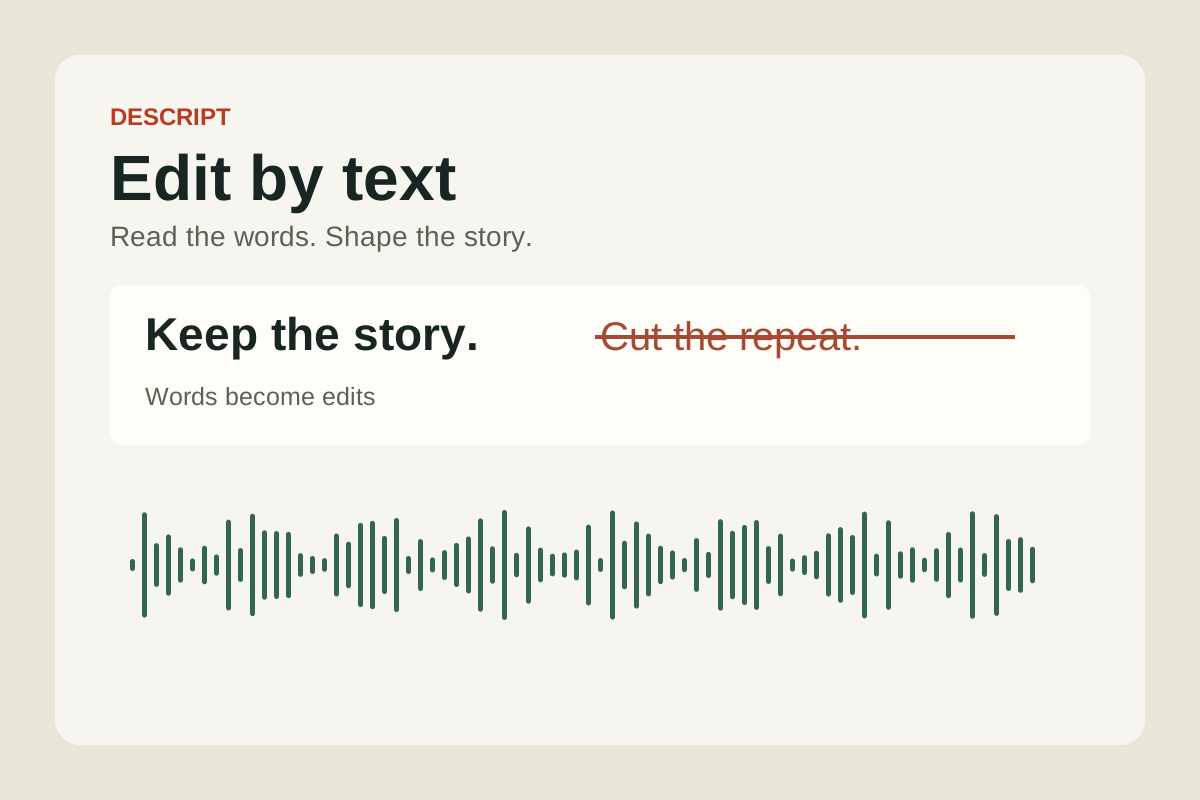
With text-based editing, the app turns speech into a transcript. You delete a sentence, and the linked audio or video changes with it. You can spot a repeated answer in the text. There is less need to search through the sound.
On a traditional timeline, you work with clips and waveforms. These shapes show changes in sound. Zoom in on the start of a word. Move a cut. Blend two clips with a fade. Separate tracks let you change one person’s level without turning everyone else up.
The two approaches overlap. Descript has timeline controls as well as text-based editing. REAPER supports automation and scripts. An AI app can still have manual tools. A DAW can handle repeat tasks for you.
Choose podcast editing software based on how you like to work. Would you rather use text, a timeline, or both?
Descript: edit audio by editing the words
Descript can automatically transcribe recordings. It links the text to your audio or video. It also offers filler word removal, sound cleanup, captions, and tools to create clips. Its AI co-editor is called Underlord. It can help cut retakes and draft show notes.
I would try it for a weekly interview show with lots of speech to sort. Reading for repeated points can be easier than scrubbing back and forth. It keeps audio and video in one project. That suits podcasters who make a full video podcast plus short clips.
The trade-off: neat text does not always mean a smooth edit. The end of one word may run into the next. A pause may carry doubt, surprise, or humor. Remove too much and a guest can sound rushed.
Use text-based editing for the broad choices, then listen around each join. Keep a breath where it helps a sentence feel natural. When you cut filler words, listen to the whole phrase. Does it flow? A lower word count is not the goal.
A useful first trial is a messy five-minute chat, not a clean script. Talk over each other once. Use a tricky name and a quiet reply. See how much work remains after the AI podcast editor makes its first pass.
REAPER: control the mix and the smallest cuts
REAPER lets you record and mix several tracks. It has effects and tools to route audio where you need it. That makes it a strong choice when your show needs more than a speech cleanup pass. You can treat each track on its own. Save that setup for the next mix.
Think of a chat with three guests. One guest speaks softly. Another laughs close to the mic. Music needs to dip under the opening lines. A DAW lets you make those changes. You can go back and adjust each fade or level move.
The trade-off: the learning curve comes before the speed gain. Beginners need to learn where files live and how tracks connect. They also need to check what goes into an export. Start with cuts, fades, and levels. You do not need every feature on day one.
The REAPER license page lists a $60 discounted license and a $225 commercial license, before tax. The $60 license covers personal use, schools, and nonprofits. It also covers business use if your yearly gross revenue is $20,000 or less. That means income before costs. You can try the full app for 60 days. It is not free for ongoing use.
I would choose it for a show with layers of sound. It also makes sense if you want to learn more mixing skills. The license is only part of the budget. Include the time needed to learn the editing process.
Audacity: free podcast editing software for audio-only shows
Audacity is a free, open-source audio editor and recorder. It runs on Windows, macOS, and Linux. It supports common audio formats and plug-ins. You can record, trim, and export a spoken-word show. There is no monthly fee.
I would try it for a solo show with simple edits. Learn to remove a false start and set levels. Then try a fade at the end. Add more tools as you need them. A short show with clean sound may need few production tools.
The trade-off: free software still takes time to learn. Audacity is an audio editor. For a full picture edit, you need video editing software too. Does your audience expect a video podcast on YouTube? Plan for the picture edit too.
For beginners, price matters. The best podcast editing software may be the one that fits this month’s budget. Move on when you can name the missing feature and explain how it would help.
Noise reduction and audio quality: listen before you commit
High-quality audio starts before the edit. Put the mic near the speaker, use headphones, and reduce background noise in the room. Our podcast equipment guide covers the recording setup. No editor can fix every voice that sounds too far away or harsh.
Cleanup also has limits. The Audacity manual explains that its Noise Reduction effect suits steady sounds such as hiss or hum. It is not suited to every passing car, click, or crowd sound. Strong settings can damage speech, too.
Keep the raw files. Play a short clip before and after cleanup. Keep both at about the same loudness. Listen for a thin or watery voice. Check that word endings still sound clear. A little room sound may be fine. Keep the voice true to the guest.
Separate cleanup from mixing. Noise reduction cuts unwanted sound. Mixing sets the balance between voices, music, and effects. AI-powered tools may help with both. Judge the result by what your listeners hear.
Video podcast editing adds a second set of choices
A video podcast needs edits that work for the eyes as well as the ears. A tight audio cut can leave a head jumping across the frame. A caption can cover a face. A camera switch may hide a guest’s smile or look of shock.
Before choosing podcast editing software, decide what you will publish. Audio alone? A full YouTube episode? Short clips for phones? You may want all three. Then check the video recording and export features for those formats. A bigger export will not add detail that your source video recording lacks.
For social clips, find key moments that make sense on their own. Proofread captions, especially names and numbers. Check the video layout on a phone. B-roll means extra shots shown over the main scene. Use it to help explain a point.
Jodi Bando’s account shows why a business might hand video tasks to an agent. For a podcast, I would still keep a human review before posting. A tool may pick a punchy line. But the next line may change its meaning.
When you create video content for new listeners, stay true to the full show. A faster editing process is useful only if the result still sounds like you.
Compare the full bill, including your time
AI podcast editing software often puts several tools in one plan. The fee may cover a set amount of media processing and AI use. It may also set limits on exports. Descript’s plans, for example, separate media hours from AI credits. They also differ in video export limits.
Before choosing a paid plan, check how the platform counts usage. Does it count each file or each track? What if you process a file twice? A 30-minute episode may start with an hour of raw files. Team seats and extra usage can change the bill.
A DAW license can make the software cost easier to predict. Yet extra plug-ins, storage, and a separate video editor may add costs. Audacity has no price tag. The work still takes time.
Add up each month’s software fees and extras. Then count your own editing time. Say you save two hours. If you value your time at $25 per hour, that is worth $50 to you. That is a planning example, not a measured saving from any app.
The learning curve matters here. A new tool can feel slower for the first few podcast episodes. Give it a fair trial. Count the time spent fixing bad cuts and checking exports too.
A hybrid workflow: AI rough cut, DAW finish
An AI podcast editor can help shape the chat. You can then finish the audio in a DAW. This suits podcasters who like text edits but want more control over the mix.
Check the handoff before using it for a full series. One mixed audio file will not keep each speaker on a separate track. Some effects and level changes may not carry over to the next app. Export support varies. Check both apps and the file type.
Try a short passage with two voices and one edit. Open the result in the next app. Check the tracks, timing, and sound.
For a video podcast, keep picture and sound tied to the same cut. If you remove another sentence in the DAW, the video must change too. Keep one cut of the show, with sound and picture in sync.
Try two podcast editors on the same recording
The best podcast editing software should help you finish your own show. A feature list cannot tell you how well an app fits your habits. Use the same short recording to compare two choices.
- Record a realistic sample. Include two voices if that is your format. For video recording, include the camera files too.
- Make the same edits. Remove one repeated answer, shorten a pause, and balance a loud and quiet section.
- Export what you need. Check the audio file, plus captions and a video clip if you use them.
- Listen and watch away from the editor. Use headphones and a phone. Note any clicks, missing words, or cropped faces.
- Count the whole job. Include upload, processing, corrections, export, and review. Compare that total with the result you would publish.
I would start with Descript when long interviews and video clips take most of the work. I would choose REAPER when detailed mixing matters more, and Audacity when a free audio editor meets the brief.
Keep the tool that helps you make clear, natural podcast episodes. Pick a pace you can keep up. The point of faster editing is to leave more time for the next good conversation.